
If your WordPress website has multiple authors, you may want each writer to have their own photo or brand image.
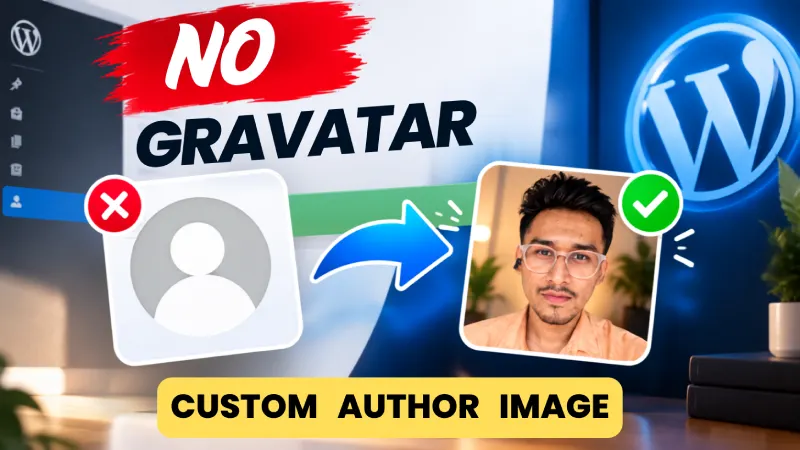
The problem?
WordPress commonly relies on Gravatar for user profile images. That works, but it isn’t always convenient – especially when you want to upload an author image directly from your WordPress dashboard.
The good news: you can manage custom author images without depending on Gravatar.
Why Use Custom Author Images?
A professional author image makes your content feel more personal and trustworthy.
It is especially useful for:
- Multi-author blogs
- News websites
- Magazine websites
- Agencies with multiple writers
- Guest authors
- Contributor websites
- Websites using different author identities or branding
Instead of showing the same default avatar, every user can have their own image.
How to Add Multiple Custom Author Images in WordPress
The easiest solution is to use Easy Custom Author.
With the plugin installed, you can assign a custom image to individual WordPress users directly from the dashboard.
You don’t need to:
- Create a Gravatar account
- Edit theme files
- Add custom PHP code
- Change your WordPress theme
- Manually modify author templates
Simply choose the user, upload their image, and save it.
Upload a Different Image for Every Author
This is where it becomes useful for multi-author websites.
For example:
| WordPress User | Custom Image |
|---|---|
| John | John’s profile photo |
| Sarah | Sarah’s profile photo |
| Mike | Mike’s profile photo |
| Company Author | Company logo |
Each user can have their own custom author image.
You can also use the same approach for supported WordPress roles such as Author, Editor, Contributor, and Subscriber.
No Gravatar Required
Your author images can be managed directly from your WordPress website.
That means you don’t have to ask every writer to create or maintain a separate Gravatar profile just to display an image on your site.
For website owners managing multiple users, this can make author management much simpler.
Who Is This Useful For?
Multi-Author Blogs
If several writers publish articles on your website, give every writer a recognizable profile image.
News & Magazine Websites
Different writers can have different photos while maintaining a consistent author experience.
Agencies
Use employee photos, team images, or branded author images.
Guest Authors
You can assign an image to a guest or temporary user without asking them to configure an external avatar service.
How It Works
The process is simple:
Install Easy Custom Author → Open the WordPress user profile → Upload the custom image → Save
That’s it.
The plugin is designed to keep the process simple rather than adding another complicated settings panel to your WordPress dashboard.
Why I Built Easy Custom Author
WordPress makes user management easy, but custom author image management can still be unnecessarily dependent on external avatar services.
Easy Custom Author was built to solve that small but common problem.
The goal is simple:
Choose a WordPress user. Upload an image. Use it as their author image.
No unnecessary complexity.
Frequently Asked Questions
Everything you need to know about using custom author images in WordPress.
Can I use different images for different authors?
Yes. You can assign custom images individually to your WordPress users.
Do I need Gravatar?
No. Easy Custom Author is designed to let you manage custom author images directly from WordPress.
Can I upload an image from my computer?
Yes. You can upload the image through the WordPress dashboard.
Can I use a logo instead of a photo?
Yes. A custom author image can also be useful for company authors, brands, teams, or other publishing identities.
Do I need coding knowledge?
No. The plugin is designed for normal WordPress dashboard use without requiring you to edit PHP or theme files.
Final Thoughts
If you’re running a WordPress website with multiple authors, you shouldn’t have to depend on Gravatar just to control how your authors look.
A simple custom author image system gives you more control over your website’s branding and author profiles.
Easy Custom Author makes that process simple: upload the image, assign it to the user, and you’re done.
Ready to customize your WordPress authors?
Try Easy Custom Author →
Give your WordPress authors, editors, contributors, and other users their own custom image without the hassle of managing Gravatar.